 MyNutri
About MyNutri
Complete your profile — MyNutri will tailor a diet to your goals, restrictions, and preferences.
Every day plan, nutritional information and shopping list - no questions asked.
Scientific background
Research shows a connection between birth time and circadian rhythm settings. This affects metabolism, peak activity times, and even food preferences.
The season of birth influences the formation of the intestinal microbiome in the first months of life, which determines the tendency to digest certain foods.
By combining profile-based personalization with modern nutrition science, MyNutri creates a practical approach to tailored meal planning.
Brief answers
- What is MyNutri?
- MyNutri is an AI meal planning service. Complete your profile — and get personalized meals and recipes.
- How to get a meal plan?
- Register, fill out your profile, create a plan manually from the catalog (99 ₽ per creation) or automatically by profile (PRO/Premium).
What is MyNutri?
MyNutriis a service for creating personalized meal plans. Your profile becomes the basis for personalization: goals, restrictions, and preferences. Then the system, using AI, selects recipes, calculates macros and generates a shopping list.
MyNutri was created for those who value personalization and practical tools: daily menus, macros, and an automatic shopping list.
Key Features
Detailed profile
Specify your weight, height, activity, goals, allergies, illnesses, favorite and least favorite foods - the system will take everything into account when selecting recipes
- Personal data: name, age, gender, body measurements
- Physical activity and daily calorie intake
- Allergies, illnesses and dietary restrictions
- 18 goals: from losing weight to improving sleep
- Favorite and least favorite products
- Personal Knowledge and Nutrition Notes
Smart selection and recipe catalog
Filtering by products, diseases, vitamins and microelements. Find recipes that are good for you
- Search by recipe name
- Filter by product - find dishes from what is available
- Filter by disease - recipes that are useful for your condition
- Filter by vitamins and microelements
- Detailed card: KBJU, time, complexity, ingredients
- Save your favorite recipes to favorites
- Add your own recipes with photos and KBJU
- All your recipes in one place - the “My Recipes” section
Meal Plans
Create a daily diet manually or automatically according to your profile. 4 meals with calculation of nutritional information
- Manually:choose dishes from the catalog yourself
- By profile:automatic selection based on your data
- 4 meals: breakfast, lunch, dinner, snack
- Accounting for allergies, restrictions and nutritional information
- Save and view in My Plan section
Plan analytics
Detailed calculation of calories, proteins, fats, carbohydrates, vitamins and minerals for the whole day
Shopping list
Automatic cart based on your meal plan. Add recipes - the ingredients will come together themselves
Mobile app available
Install MyNutri on Android and use the service in the app.
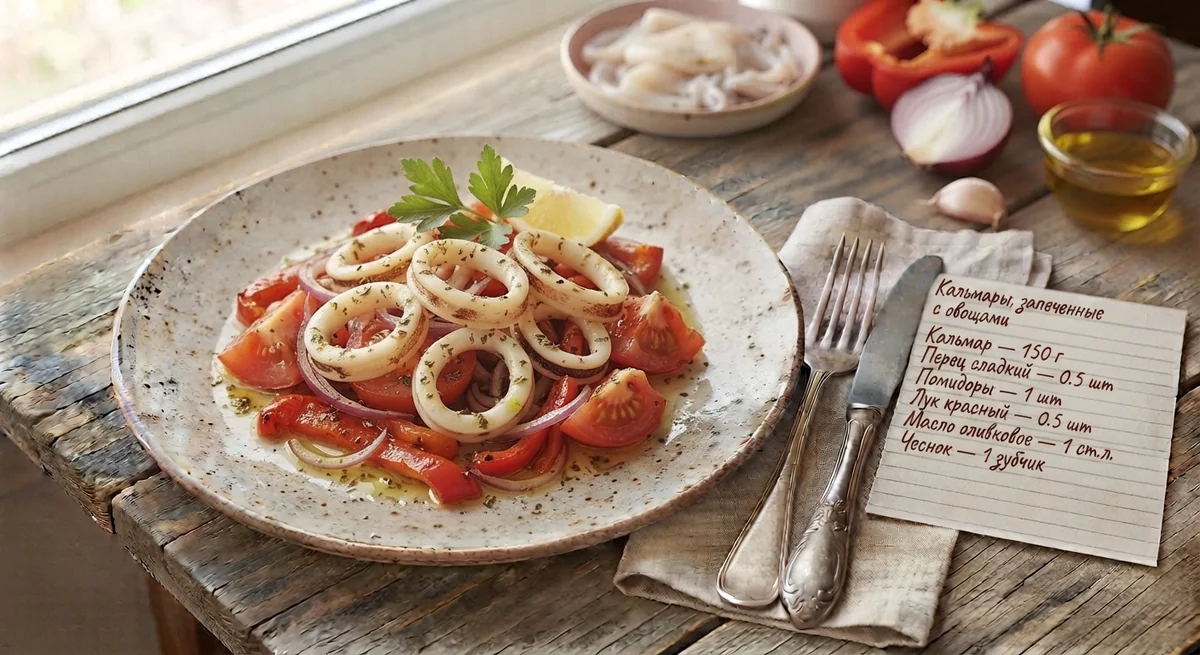
Recipes from the catalog
All recipes












How to start using it?
- Sign up— create an account in a minute or log in if you already have one
- Complete your profile— indicate body parameters, activity, goals, allergies and food preferences
- Explore the catalog— find recipes using filters by food, disease and vitamins
- Create a meal plan— manually select dishes or trust automatic selection according to your profile
- Add to cart— the ingredients will be collected automatically, all you have to do is buy them
Payment
MyNutri works on a balance system. Top up your account in the “Profile → Subscription” section and use tools to generate meal plans and other paid features.
Payment through Yookassa: bank cards Visa, MasterCard, MIR. All payments are protected modern encryption methods.
About
MyNutri— a project for those who want to eat consciously, taking into account your zodiac sign and with health benefits. We are constantly adding new recipes, improving astrological selection algorithms and expanding functionality.
Have an idea, question or found a bug? Write to us via the “Feedback” button - We read all messages and try to respond.